Sleep tools · Free
White, pink, brown, and blue noise. Live in your browser.
Four noise colors — white, pink, brown, blue — generated live in your browser. No app to install, no audio files to download. Pick a color, set a volume, set a timer. The recommendation engine picks the right color and volume cap for your use case (baby, adult sleep, office focus) and adds the safety guardrails that matter, especially around infant use.
From our comparison desk
Sound all night, phone out of the room
This generator plays while the tab stays open. A dedicated machine runs all night without your phone in the bedroom.
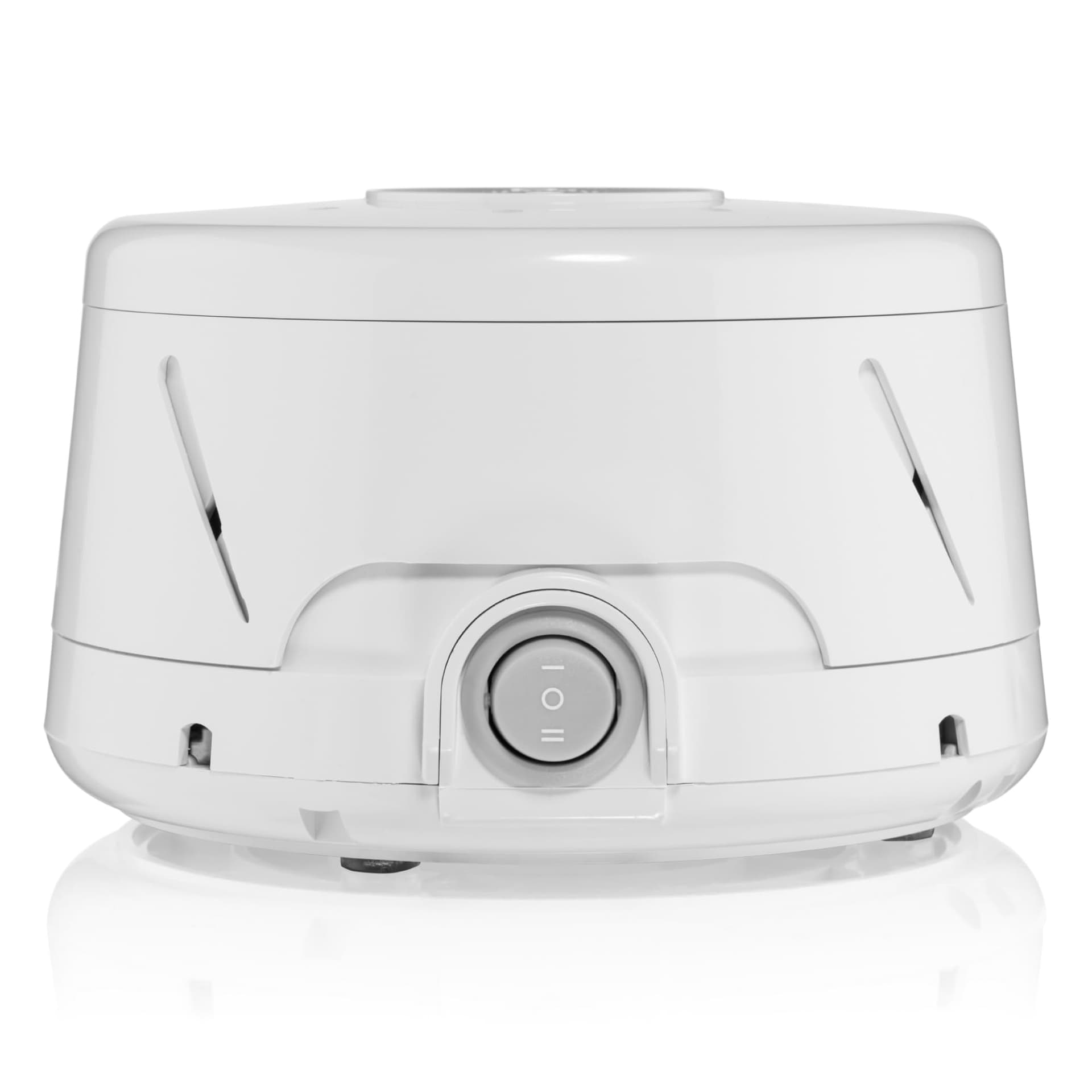
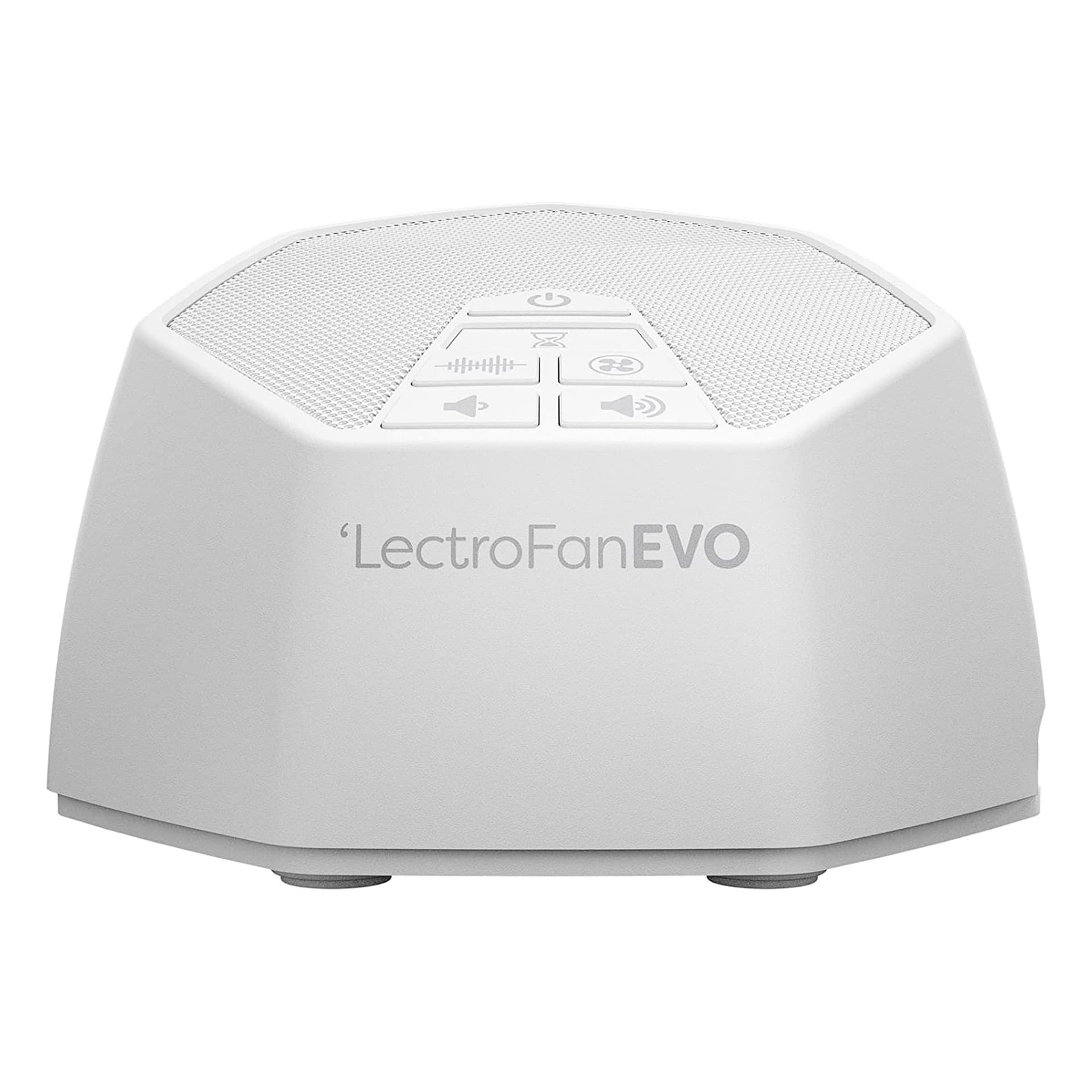
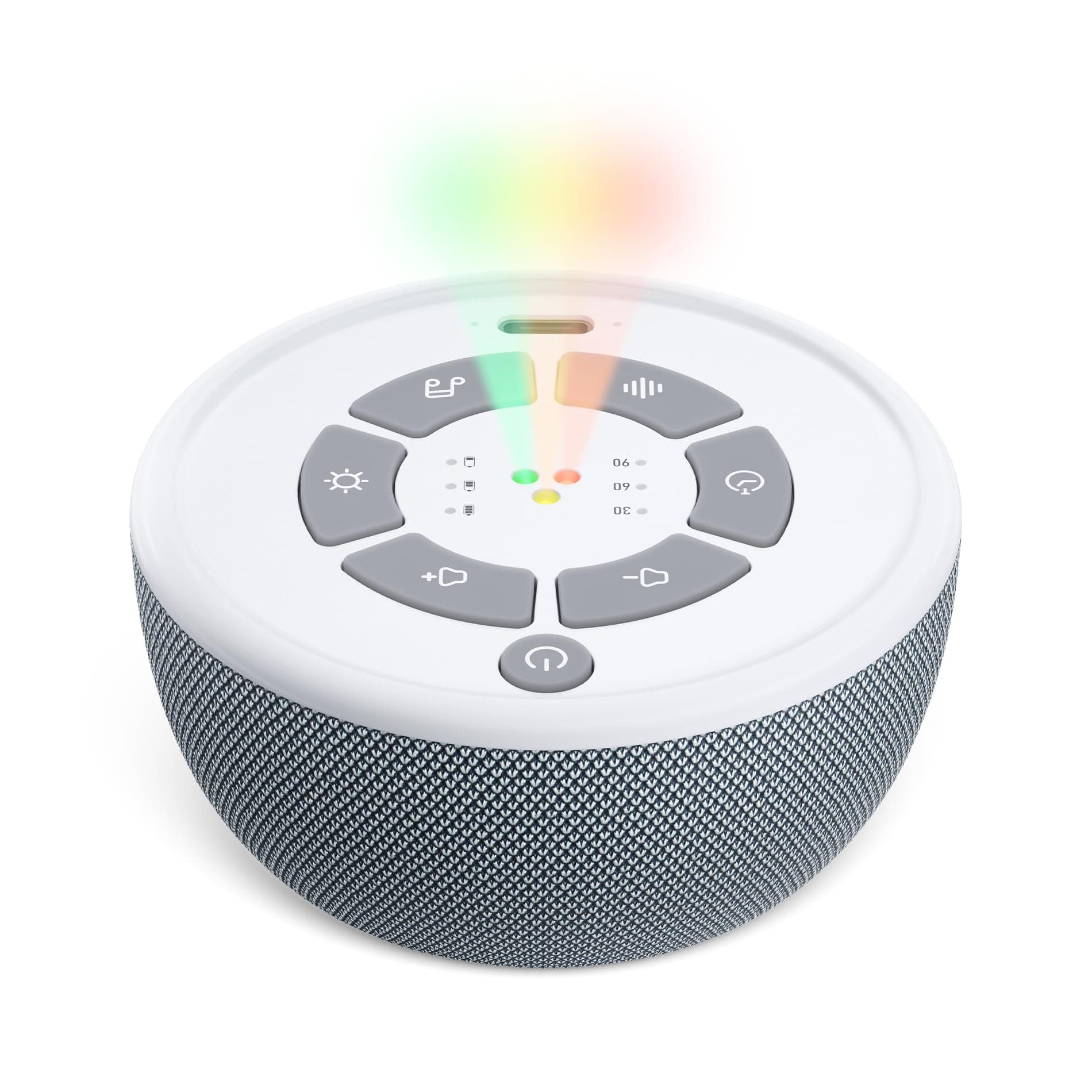
Affiliate disclosure: purchases via these links fund our work at no extra cost to you. Scores are independent of revenue.
How it works
White noise is uniform across the audible frequency spectrum. Pink noise drops 3 dB per octave — emphasising the lower frequencies, which makes it sound deeper and matches the muffled in-utero soundscape that newborns are calibrated to. Brown noise drops 6 dB per octave — even deeper, often described as a soft waterfall or the rumble of a faraway road. Blue noise rises in the high frequencies — rarely used for sleep, occasionally helpful for masking specific high-pitched annoyances.
The audio is generated live in the browser via the Web Audio API. White noise is uniform random samples. Pink uses Paul Kellet's refined seven-stage filter cascade. Brown is integrated white with a leak bias to prevent DC drift. Blue is a high-pass differentiator. Generating live means no MP3 streaming, no licensing concerns, and zero file size — the noise is mathematically pure.
The volume cap recommendations come from the use-case selector. For infant use, the cap maps to roughly 50 dB SPL at 1 meter from the speaker — the AAP guidance for safe infant white noise (Hugh-Hazelden et al. 2014 review). For office use the cap is closer to 60 dB, the rough threshold below which sustained eight-hour exposure does not fatigue the auditory system. For adult sleep the cap is 70 dB, well below sustained-exposure risk thresholds for adults.
Critical infant safety notes. The noise machine should be placed at least 7 feet (2 meters) from the crib — never inside it. Volume at the crib should sit in the green zone of most baby monitors, around 50 dB. Run for the duration of the nap or sleep period and turn off — continuous all-night use is not the recommendation. The 8-hour timer option is intended for adult use; the form will warn you if you select it with the baby use case.
This tool ships the four noise colors live; we have not yet added the named ambient sounds (rain, ocean, fan, etc.) that some users prefer. Those are a future addition that requires hosted audio files and licensing review.
How to read the colours
The colours are just different frequency profiles. White noise spreads energy evenly across all frequencies and sounds hissy; pink noise weights toward the lows and sounds like steady rain; brown noise weights even further down and sounds like a distant waterfall. None is objectively best, so pick the one you find least intrusive.
Whichever you choose, the job is masking, not sedation. The point is to raise the background floor so a sudden noise does not stand out and jolt you awake, which is why volume and placement matter more than colour: keep it quiet and across the room.
The science: what the evidence actually says
The clearest, best-supported benefit is masking. In genuinely noisy environments, a steady sound floor reduces the number of disruptive noises that reach the sleeping brain. Beyond that, the picture gets murkier: a systematic review by Riedy and colleagues found the overall evidence for noise as a sleep aid limited and inconsistent, with some people actually sleeping worse under constant sound.
There is intriguing specialist research too. Papalambros and colleagues showed that pink noise, precisely timed to the brain's slow waves in a lab, boosted deep sleep and next-day memory in older adults. That is a promising finding, but it involved phase-locked laboratory stimulation, not a bedside speaker looping all night, so it is a reason to be curious rather than a promise for a sound machine.
How to use it well, and the infant caveat
Keep the volume low, put the source across the room, and use a timer if you do not actually need it all night. If it clearly helps you fall asleep and stay asleep, keep it; if you find yourself sleeping worse or waking when it changes, it is not for you, and that is a legitimate result.
For babies, treat volume and distance as a safety issue, not just a preference. Keep any machine well away from the crib and at a low level, since infant hearing is more vulnerable, and avoid leaning on it as the only thing that gets a baby to sleep.
References
- [1]Papalambros NA et al. 'Acoustic enhancement of sleep slow oscillations and concomitant memory improvement in older adults.' Frontiers in Human Neuroscience, 2017.
- [2]Riedy MS, Smith GM, Rocha S, Basner M. 'Noise as a sleep aid: a systematic review.' Sleep Medicine Reviews, 2021. (Finds the overall evidence limited and mixed.)
FAQ
Common questions.
Is white noise safe for babies?
Yes, with the volume cap and distance guidance. Pediatric studies (notably Spencer 1990 and Hugh-Hazelden et al. 2014) found that white noise at safe volume helps newborns settle and sleep longer without measurable hearing-development effects. The key constraints: ≤ 50 dB SPL at the crib (the green zone on most baby monitors), the machine at least 7 feet from the crib, and run for the sleep period rather than continuously through the night.
Pink vs white — which is better for sleep?
Pink is more pleasant for most adults and matches the in-utero sound profile that's evidence-based for newborns. White is the broadest masking option but can feel 'hissy' to some ears, especially over hours. The research on slow-wave consolidation (Papalambros et al. 2017) used pink, not white. The recommendation engine on this page picks pink for baby and adult use, brown for office focus.
Why is there an 8-hour timer if you don't recommend continuous use?
Because adults often want it. The 8-hour option exists for adult sleep where continuous masking is the user need (e.g., living next to a busy road, partner who snores). For infant use, the form recommends 60 minutes or shorter and warns if you pick the longer option. The medical guidance is age-dependent — adults are not subject to the same continuous-exposure concerns as infants.
Why don't you stream rain / ocean / fan sounds?
Two reasons. One, hosting audio files brings licensing complexity that we haven't worked through — most royalty-free libraries have terms that don't cleanly support unlimited browser playback. Two, generated noise is mathematically pure — no compression artifacts, no loops to fatigue on. Adding the named sounds is on the roadmap once we have a clean licensing path.
Will this work on my phone?
Yes. iOS Safari and Chrome both support Web Audio. The one quirk: iOS requires the audio to start from a user gesture (the play button satisfies that). Background playback works on most devices but may be limited by mobile-OS power policies — the timer is a hard backstop in case the OS doesn't suspend the page.
Can I use this offline?
Once the page loads, yes — the audio is generated in your browser, no server calls during playback. The page itself needs to be loaded online first. We're considering a PWA (Progressive Web App) build for full offline support, but it's not on the immediate roadmap.
Related
Keep going
- ReviewHatch Restore 2
Hardware version with sunrise alarm + reading light.
- ReviewLoftie Lamp
Hardware alternative — no subscription, beautiful design.
- ReviewNanit Pro Camera
Bundles white noise with monitoring for the nursery.
- ArticleNewborn sleep: 0–3 months
Why white noise helps with the startle reflex.
- ArticleInfant sleep: 4–12 months
When to wean from white noise — typically 6+ months.
- ToolSleep cycle calculator
Pair the timer with your calculated bedtime.